> ## Documentation Index
> Fetch the complete documentation index at: https://filament.getgalaxy.io/llms.txt
> Use this file to discover all available pages before exploring further.
# Web
> The web app that ships inside the Filament server
The web app ships inside the server binary and serves at its root, `:8080` by
default. It is a client of the [ConnectRPC API](/pages/api-reference/service/introduction)
and nothing else. Every button maps to an RPC you can call yourself, so
anything you do here is scriptable later.
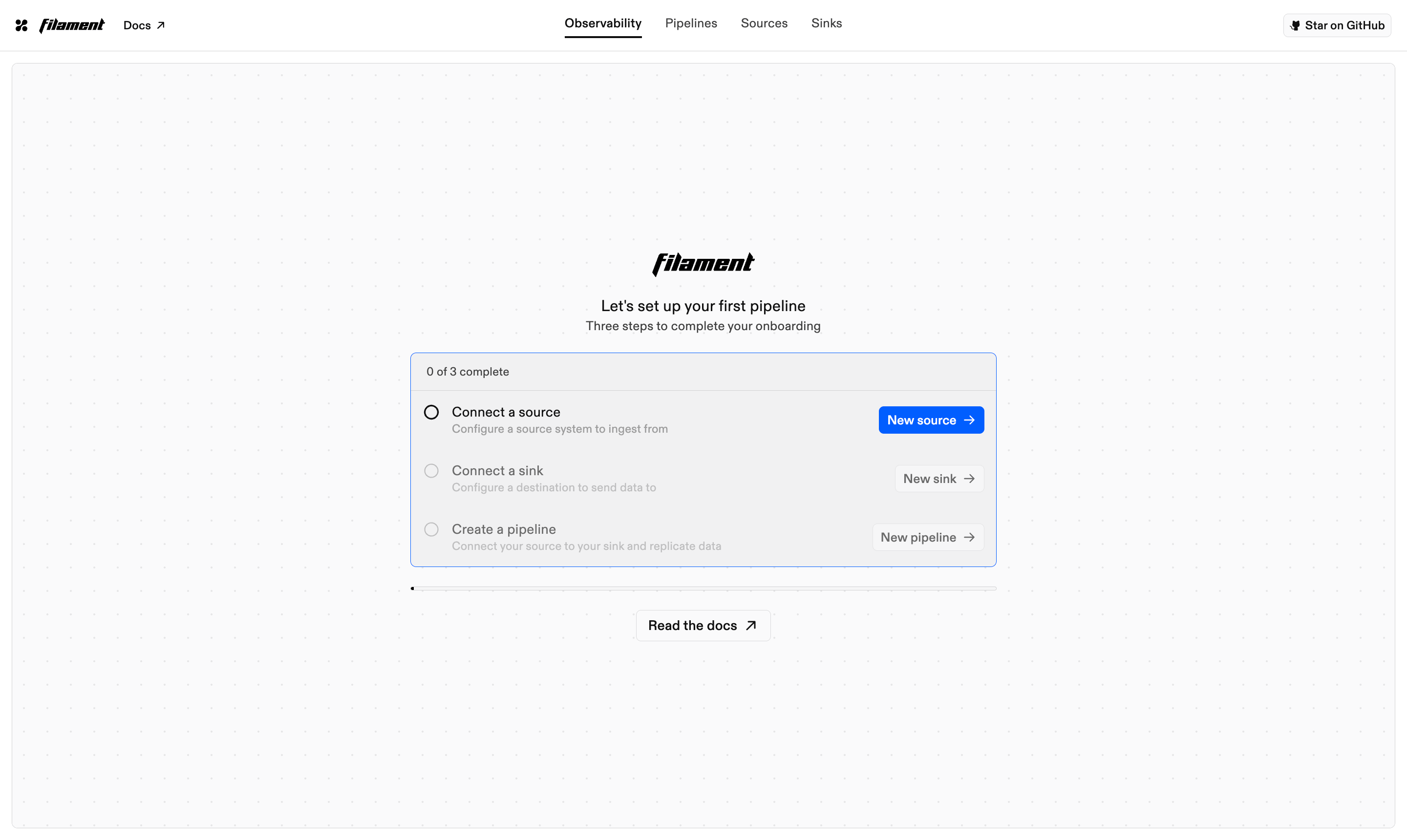
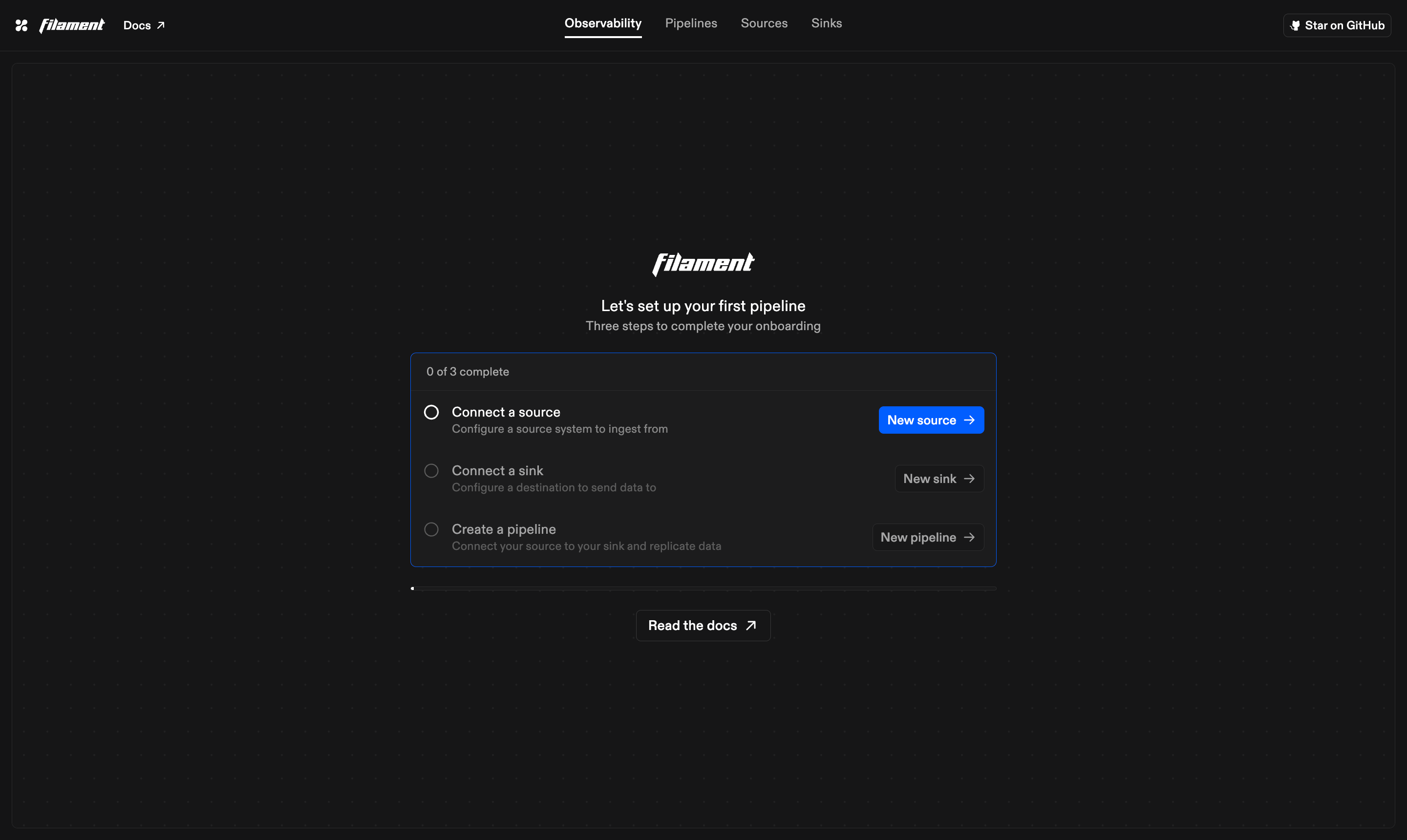 Three objects make up the model, and the navbar follows them:
* A **connection** is a configured connector. Credentials plus connection-scoped
settings, saved once and reused.
* A **pipeline** is a graph of connections. Edges route resources from a source
to a sink, each carrying a read mode and a write mode.
* A **run** is one execution of a pipeline route, tracked from request to
verified write.
## Observability
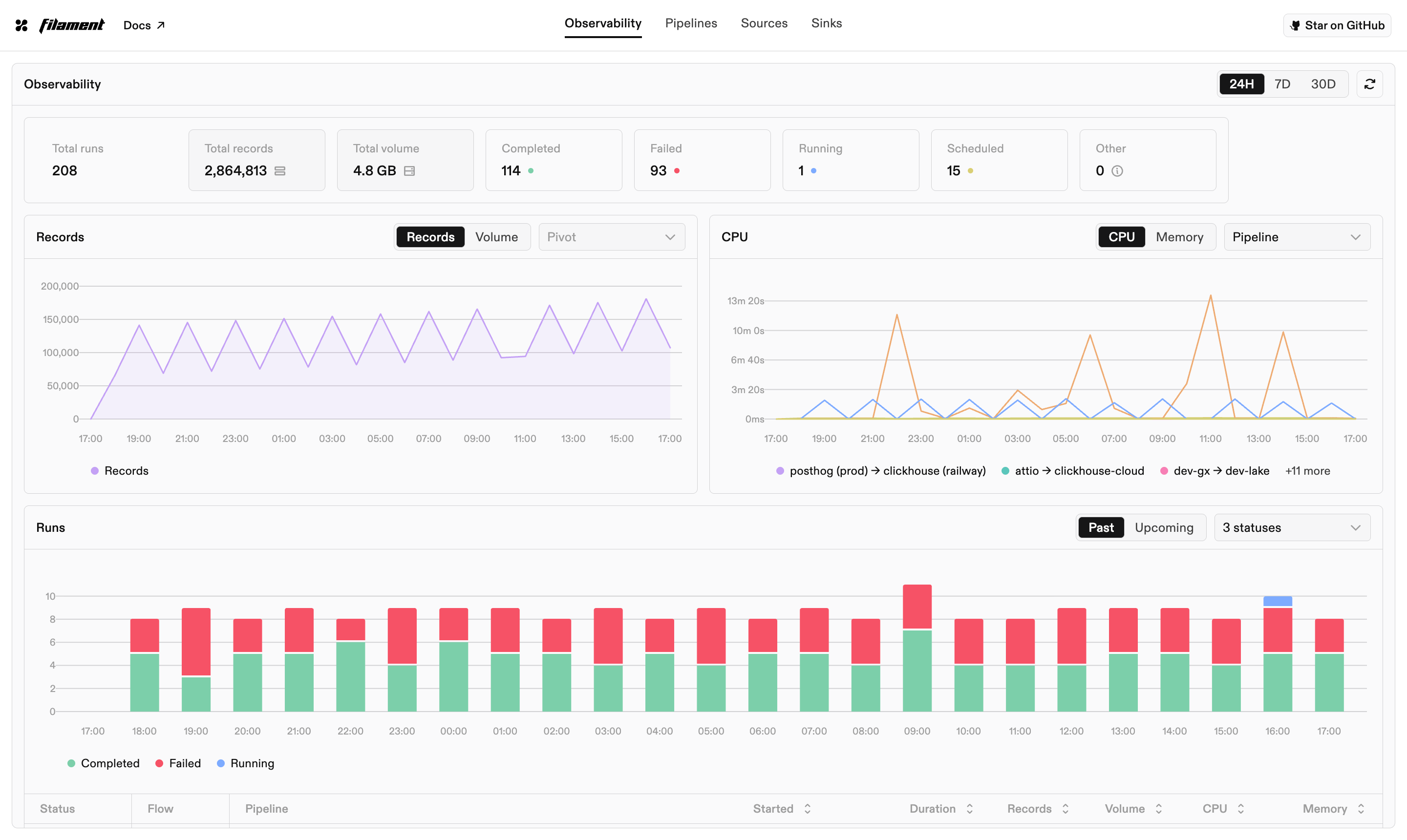
The landing page. Records and bytes moved, run durations, and success rate
over a timeframe you pick, plus a feed of recent runs across every pipeline.
The charts come from the metrics service, which aggregates the same run rows
the rest of the app reads.
Three objects make up the model, and the navbar follows them:
* A **connection** is a configured connector. Credentials plus connection-scoped
settings, saved once and reused.
* A **pipeline** is a graph of connections. Edges route resources from a source
to a sink, each carrying a read mode and a write mode.
* A **run** is one execution of a pipeline route, tracked from request to
verified write.
## Observability
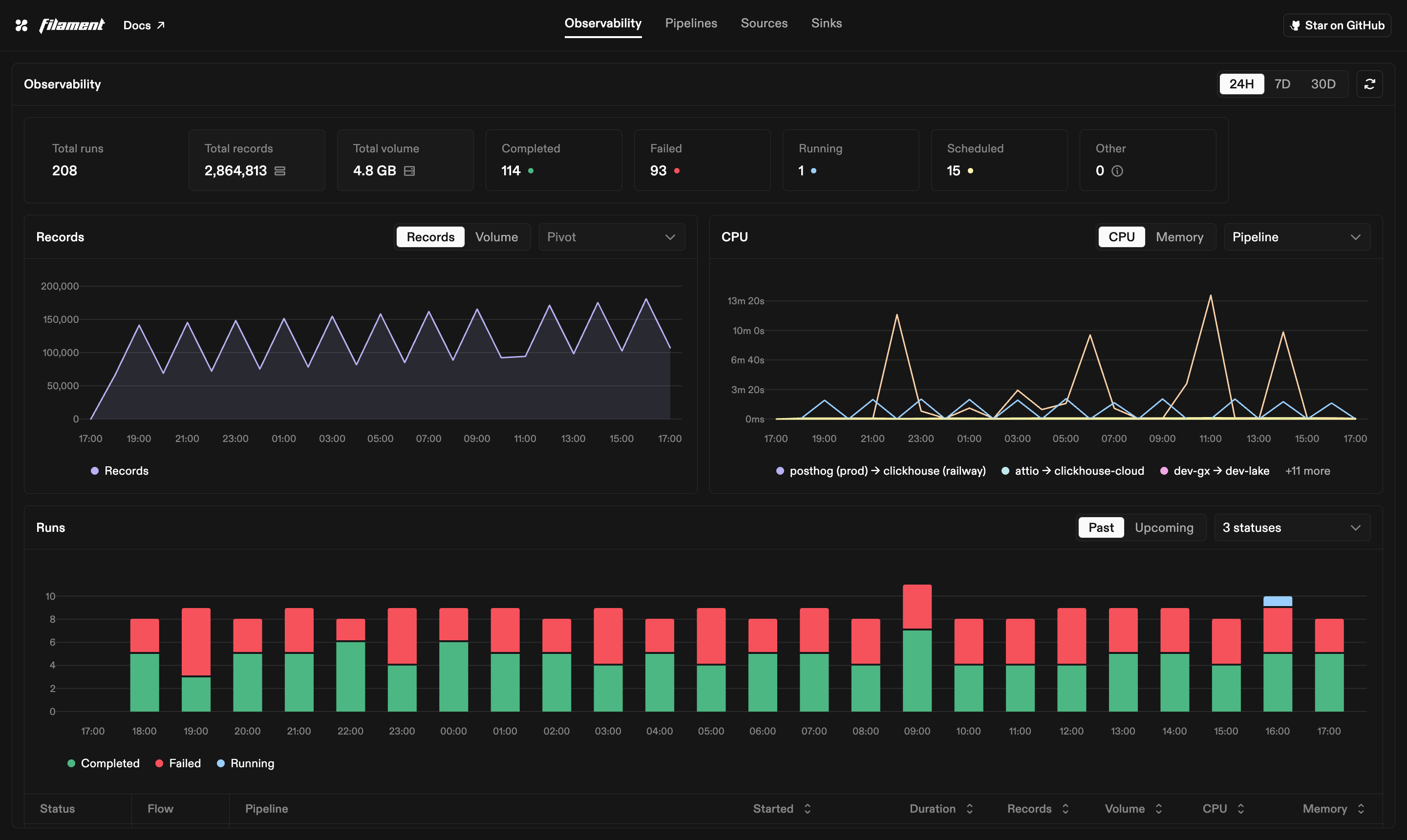
The landing page. Records and bytes moved, run durations, and success rate
over a timeframe you pick, plus a feed of recent runs across every pipeline.
The charts come from the metrics service, which aggregates the same run rows
the rest of the app reads.
 ## Connections
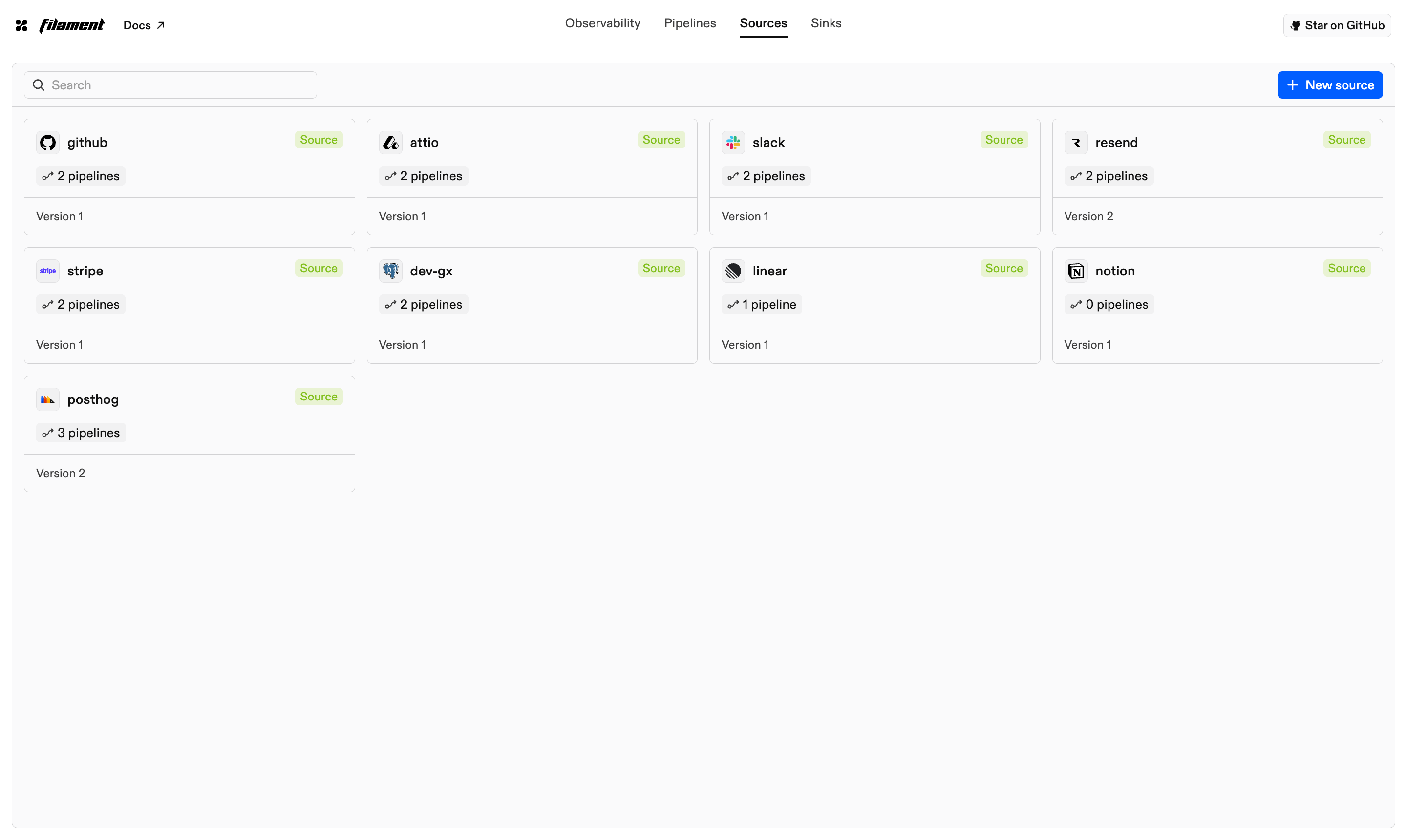
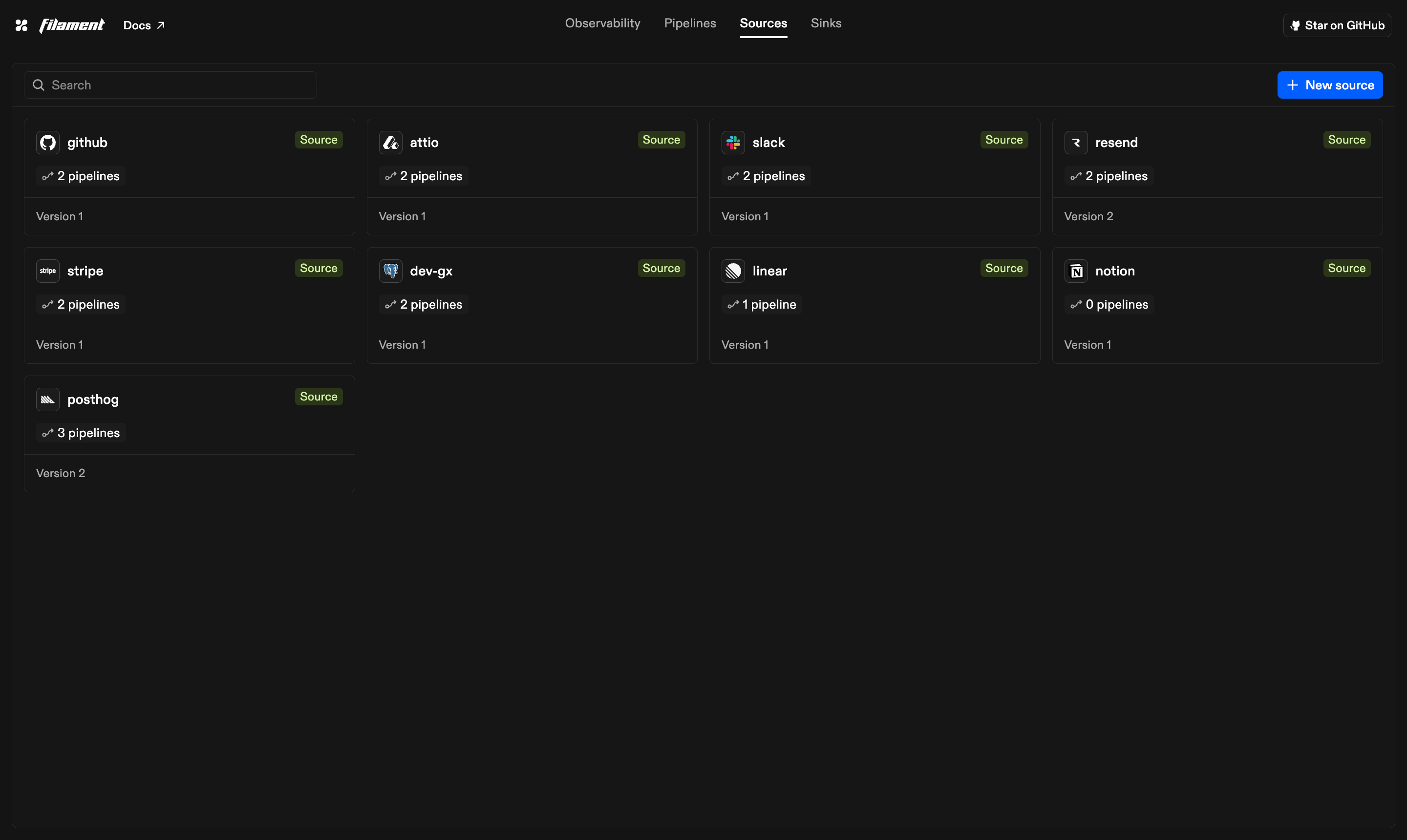
Sources and Sinks each list what you have already connected. A card carries
the connector it uses, how many pipelines depend on it, and its current
version, which is the optimistic lock that keeps concurrent edits from
overwriting each other.
## Connections
Sources and Sinks each list what you have already connected. A card carries
the connector it uses, how many pipelines depend on it, and its current
version, which is the optimistic lock that keeps concurrent edits from
overwriting each other.
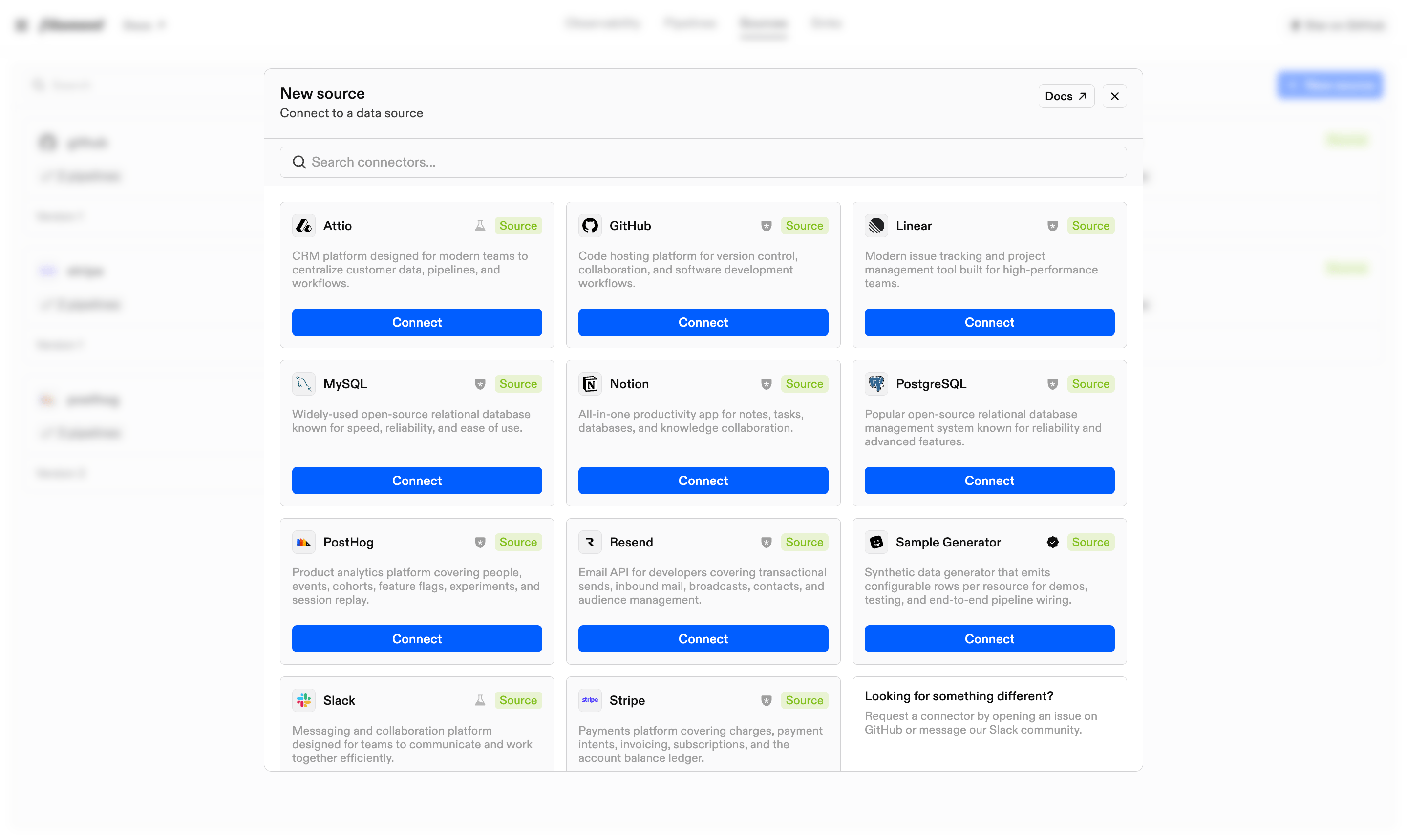
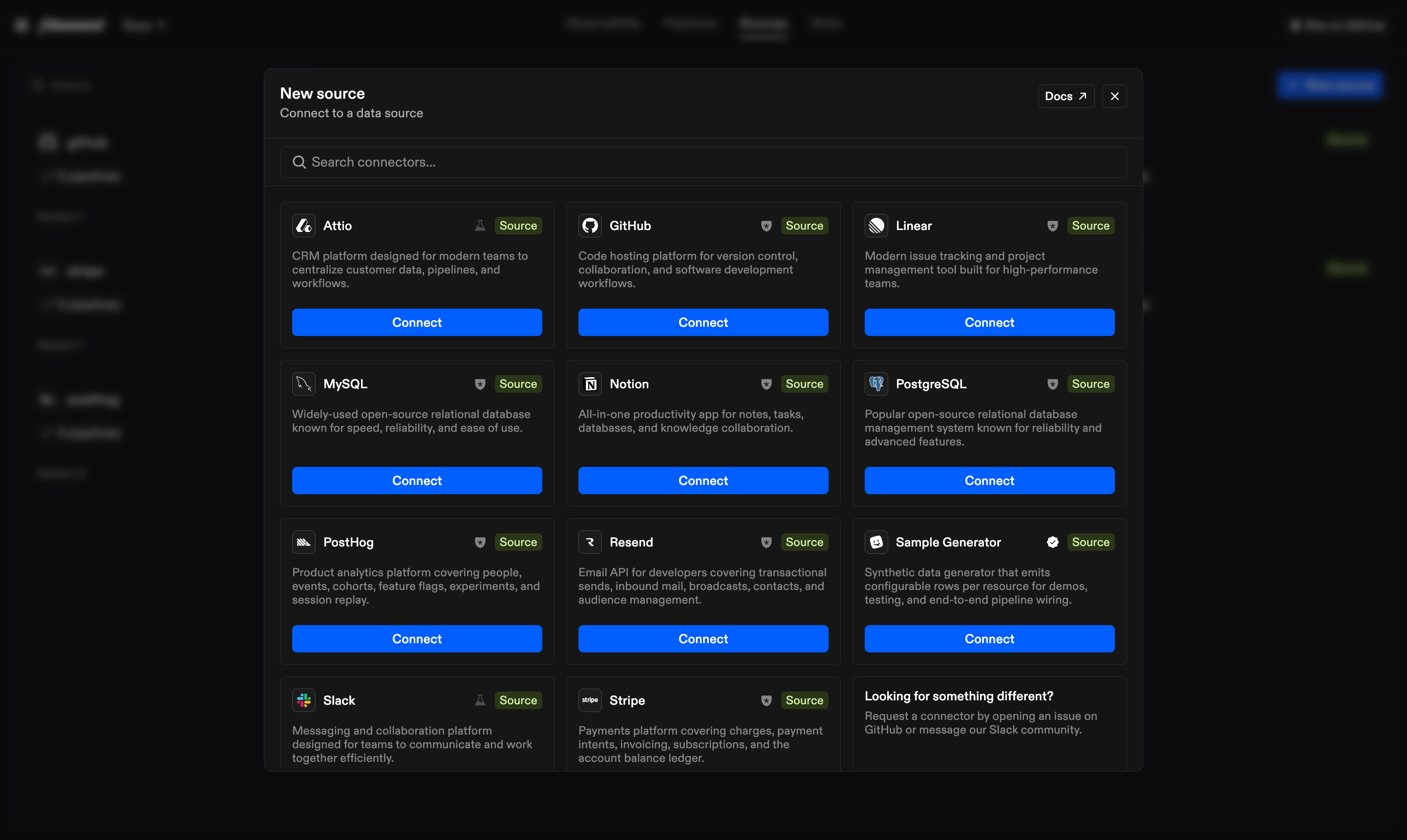
 New source opens the connector catalog. It shows the connectors compiled into
the running server and labels each one alpha, beta, or stable.
New source opens the connector catalog. It shows the connectors compiled into
the running server and labels each one alpha, beta, or stable.
 Connecting one generates a form from that connector's config schema. The
connector declares its fields, types, defaults, and visibility rules, and the
form renders exactly those. Postgres CDC settings, for example, appear only
once you set replication to `cdc`.
Two details worth knowing:
* **Scope.** Connections hold connection-scoped fields only, the ones that
describe reaching the system. Pipeline-scoped fields like a destination
schema are set later, per pipeline.
* **Secrets.** Secret-typed fields are extracted on save and stored through
the configured secrets provider. Reads return them masked, and editing
leaves a stored secret in place unless you submit a new value.
Before saving, the server checks required fields, value types, and other local
configuration rules. It does not make a live connection at this point, so an
unreachable hostname or rejected password can still fail during discovery or
a run.
## Pipelines
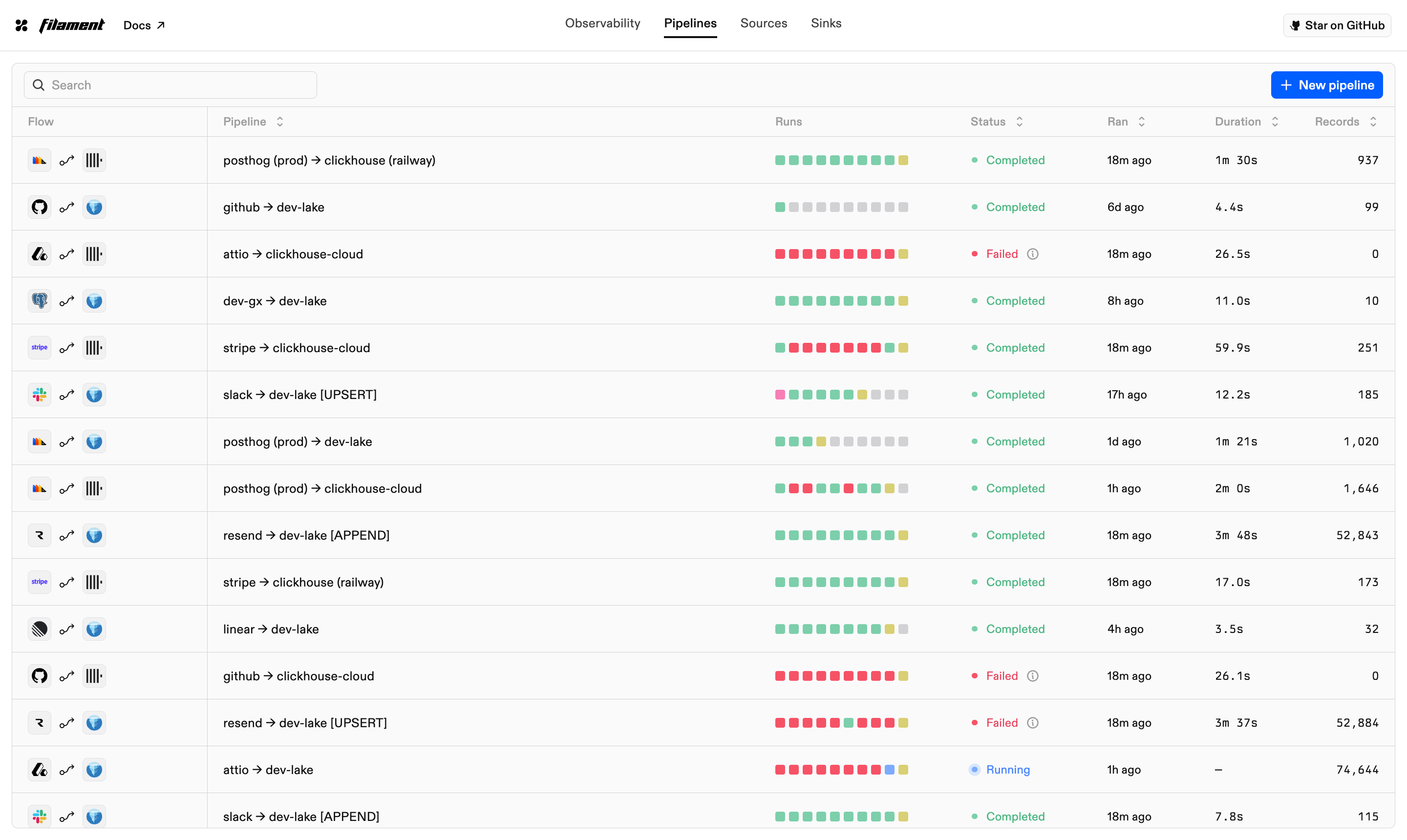
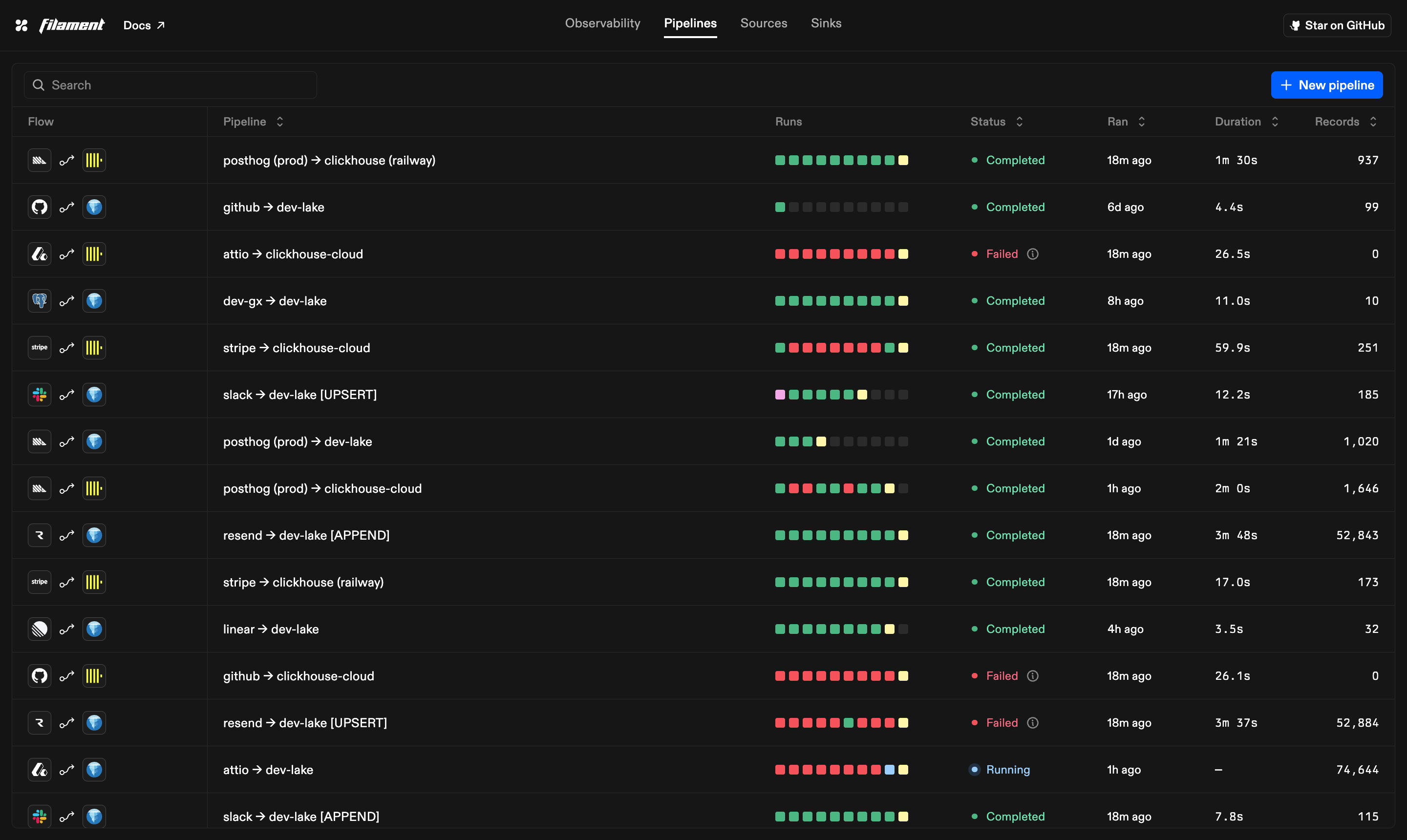
The list view shows each pipeline with its schedule, recent run outcomes, and
last duration. Opening one gives you the canvas, the history, and the
settings.
Connecting one generates a form from that connector's config schema. The
connector declares its fields, types, defaults, and visibility rules, and the
form renders exactly those. Postgres CDC settings, for example, appear only
once you set replication to `cdc`.
Two details worth knowing:
* **Scope.** Connections hold connection-scoped fields only, the ones that
describe reaching the system. Pipeline-scoped fields like a destination
schema are set later, per pipeline.
* **Secrets.** Secret-typed fields are extracted on save and stored through
the configured secrets provider. Reads return them masked, and editing
leaves a stored secret in place unless you submit a new value.
Before saving, the server checks required fields, value types, and other local
configuration rules. It does not make a live connection at this point, so an
unreachable hostname or rejected password can still fail during discovery or
a run.
## Pipelines
The list view shows each pipeline with its schedule, recent run outcomes, and
last duration. Opening one gives you the canvas, the history, and the
settings.
 ### Canvas
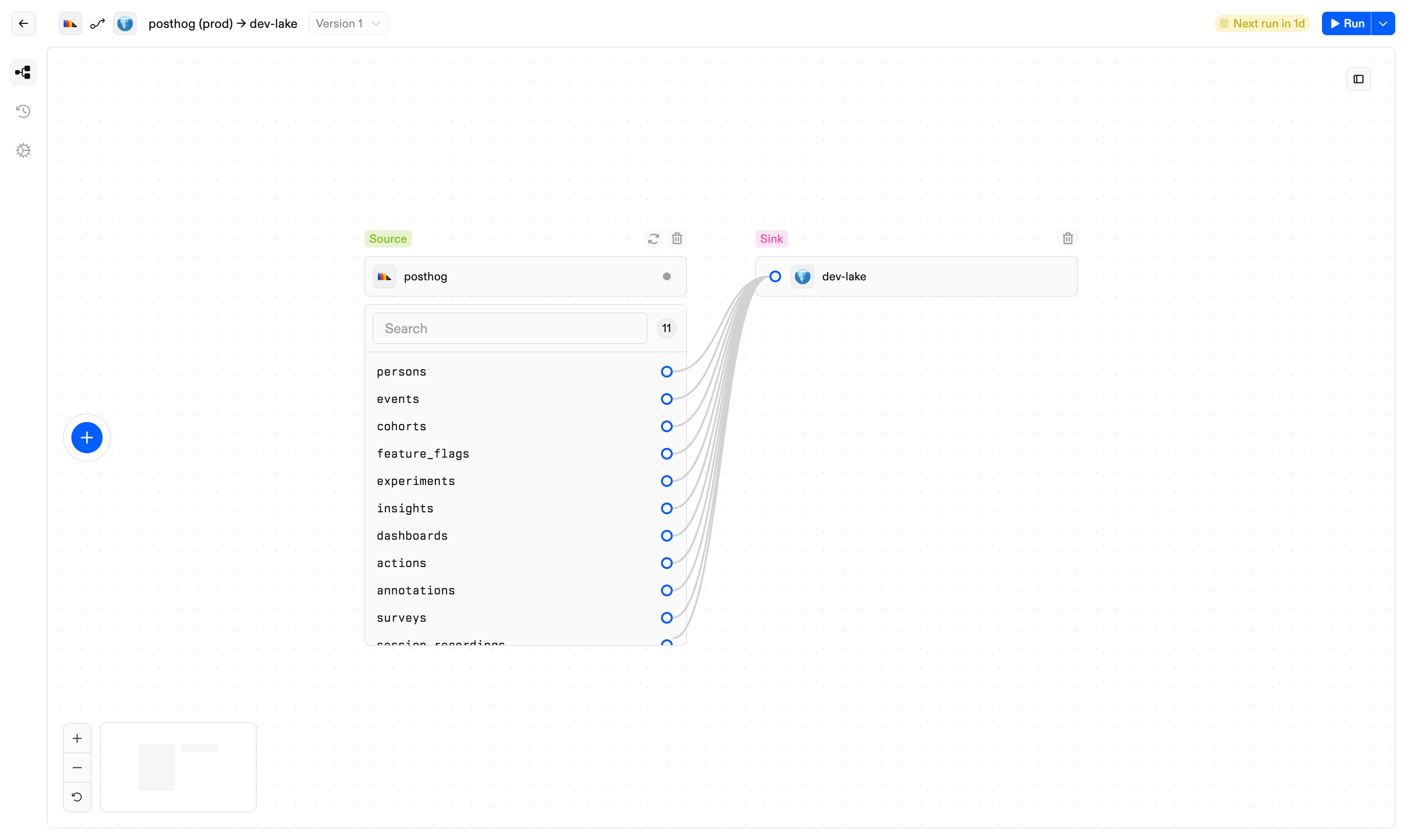
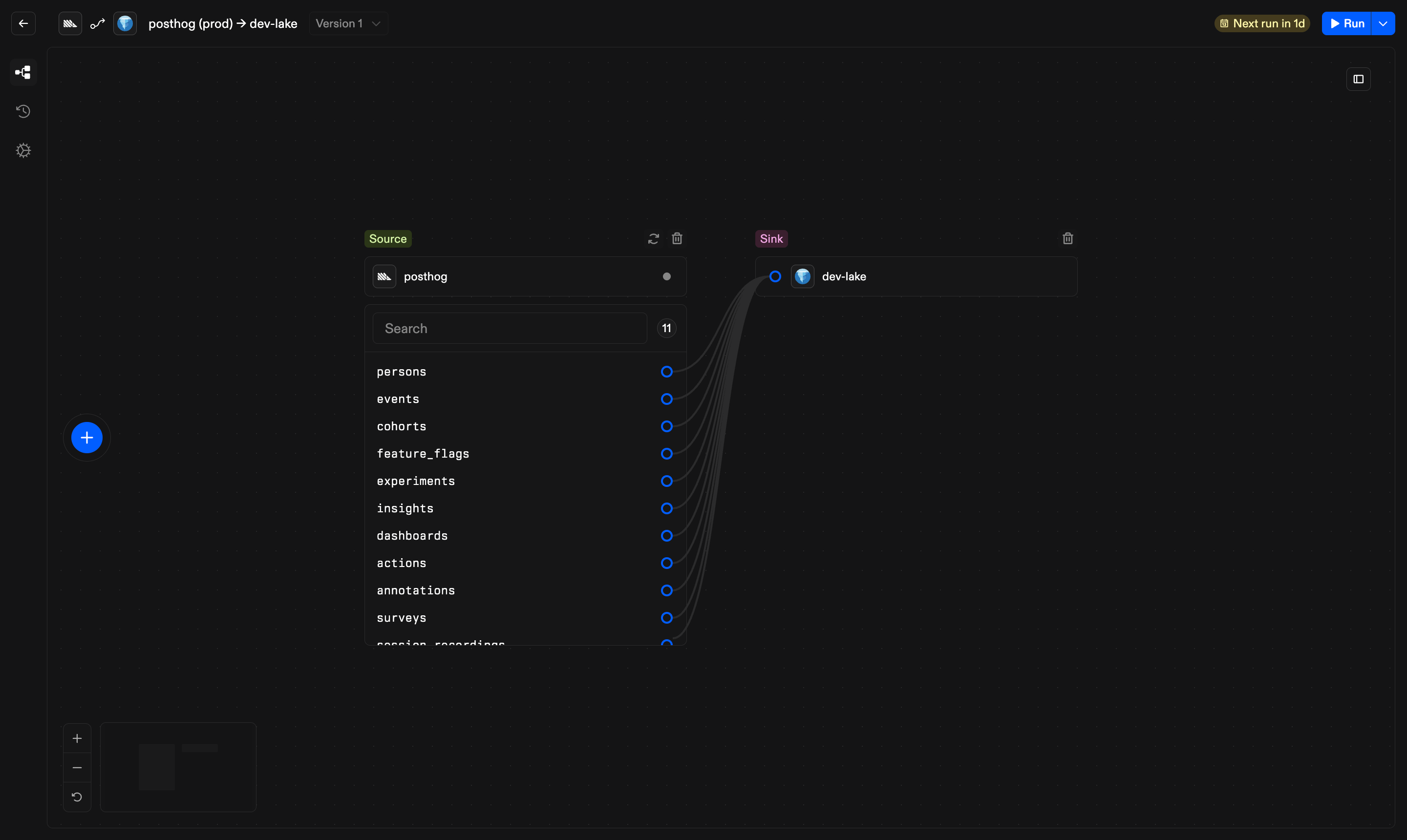
The canvas edits the pipeline graph. Nodes are connections and edges route
selected resources between them. Standard sources let you choose full or
incremental reads and an appropriate destination write mode. CDC sources use
the connection's change stream and let the route append events or merge them
into current state. Incremental reads may also need a cursor column.
[Replication modes](/pages/guides/concepts/replication-modes) explains the
valid combinations.
Edits are validated as you work. Unmet requirements appear on the
edge itself, so a table without a primary key blocks an upsert route before
you save rather than failing at run time.
Saving creates a new immutable pipeline version. In-flight runs keep executing
against the version they started with.
### Canvas
The canvas edits the pipeline graph. Nodes are connections and edges route
selected resources between them. Standard sources let you choose full or
incremental reads and an appropriate destination write mode. CDC sources use
the connection's change stream and let the route append events or merge them
into current state. Incremental reads may also need a cursor column.
[Replication modes](/pages/guides/concepts/replication-modes) explains the
valid combinations.
Edits are validated as you work. Unmet requirements appear on the
edge itself, so a table without a primary key blocks an upsert route before
you save rather than failing at run time.
Saving creates a new immutable pipeline version. In-flight runs keep executing
against the version they started with.
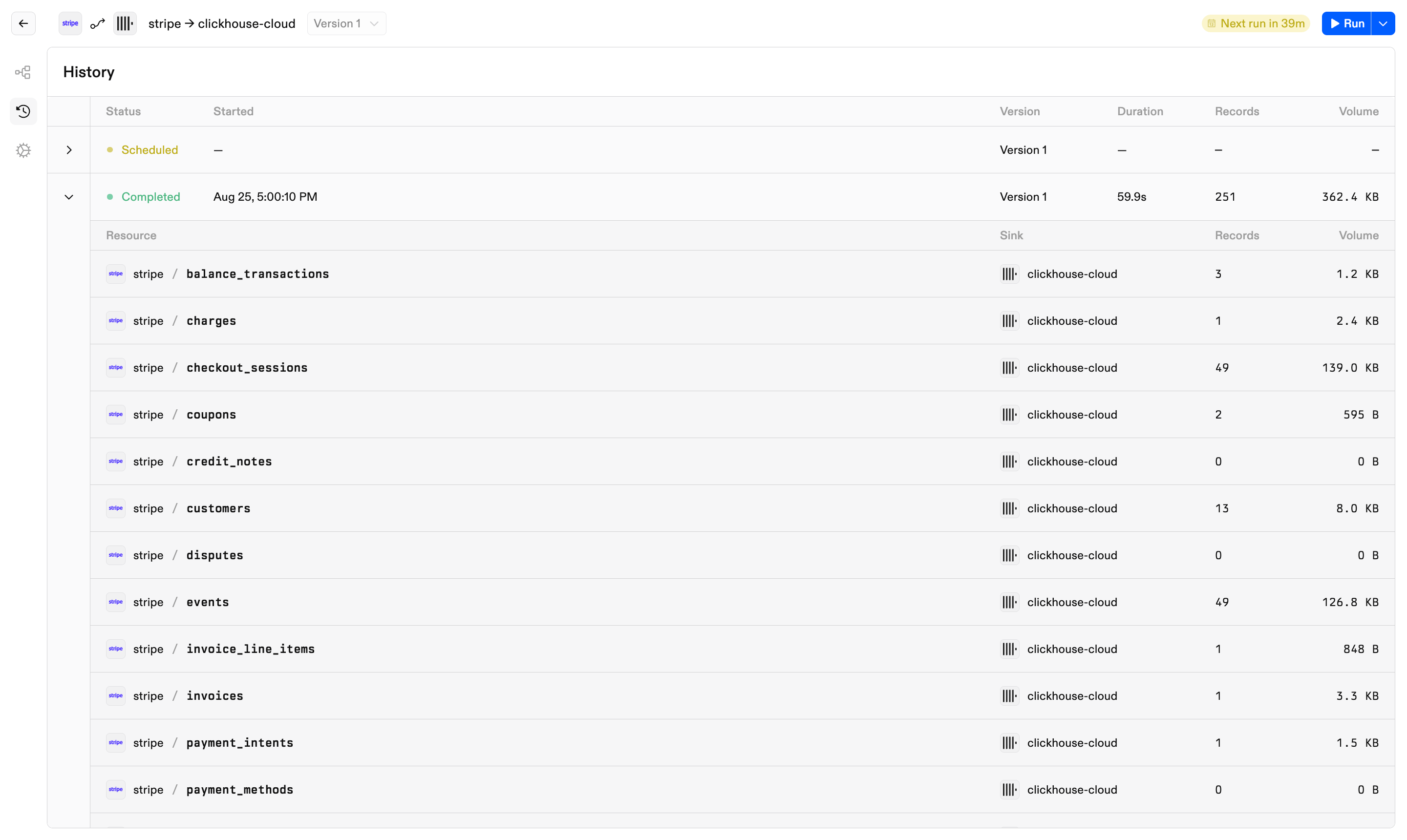
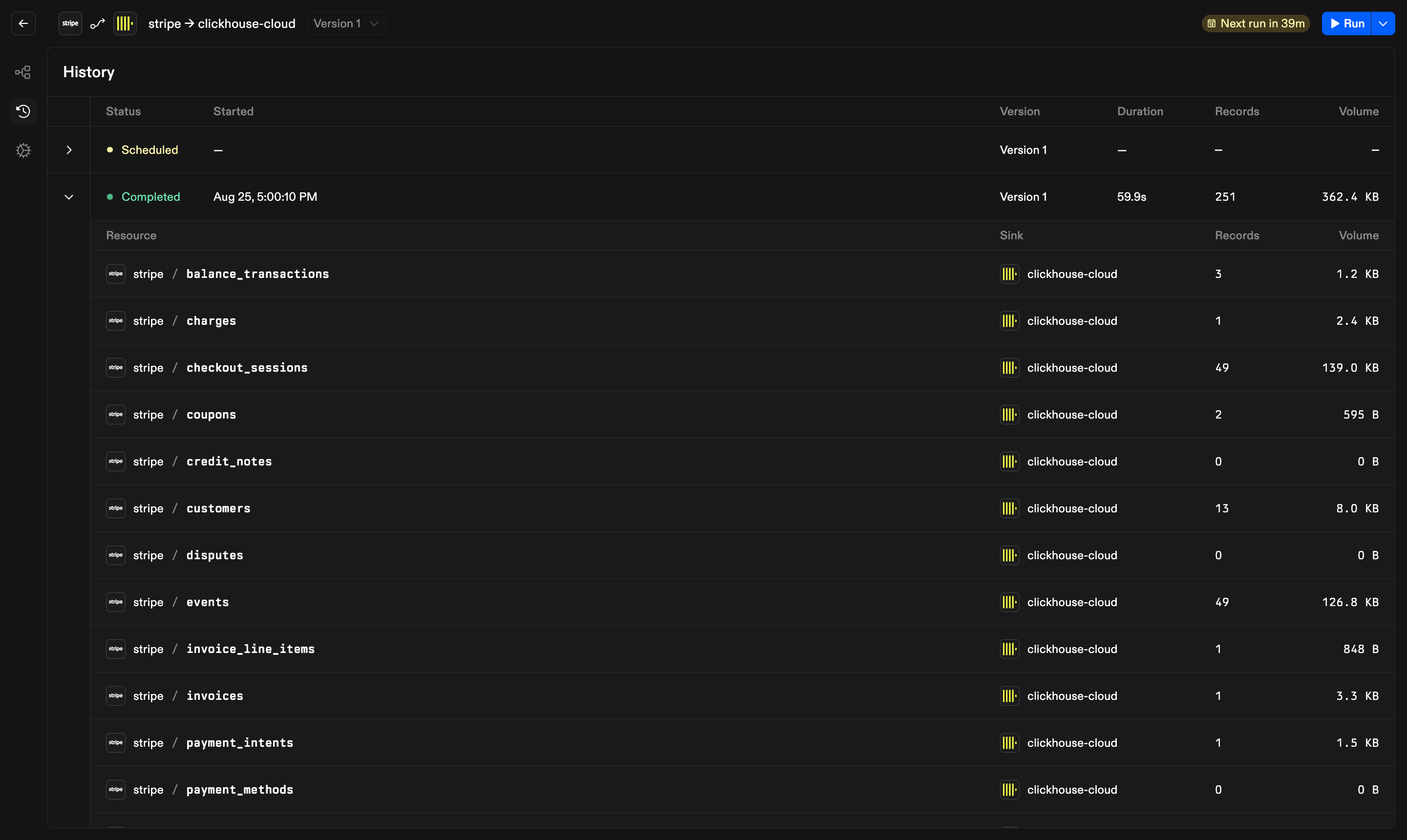
 ### History
Every run, newest first, with per-resource record and byte tallies and a
final status. An active run streams, so progress arrives as the engine
publishes it rather than on a poll.
Statuses map directly to engine states. A failed run that saved resumable
progress enters `PARTIAL` and continues from its last checkpoint when
requested again. See
[Runs and recovery](/pages/guides/concepts/runs-and-recovery).
### History
Every run, newest first, with per-resource record and byte tallies and a
final status. An active run streams, so progress arrives as the engine
publishes it rather than on a poll.
Statuses map directly to engine states. A failed run that saved resumable
progress enters `PARTIAL` and continues from its last checkpoint when
requested again. See
[Runs and recovery](/pages/guides/concepts/runs-and-recovery).
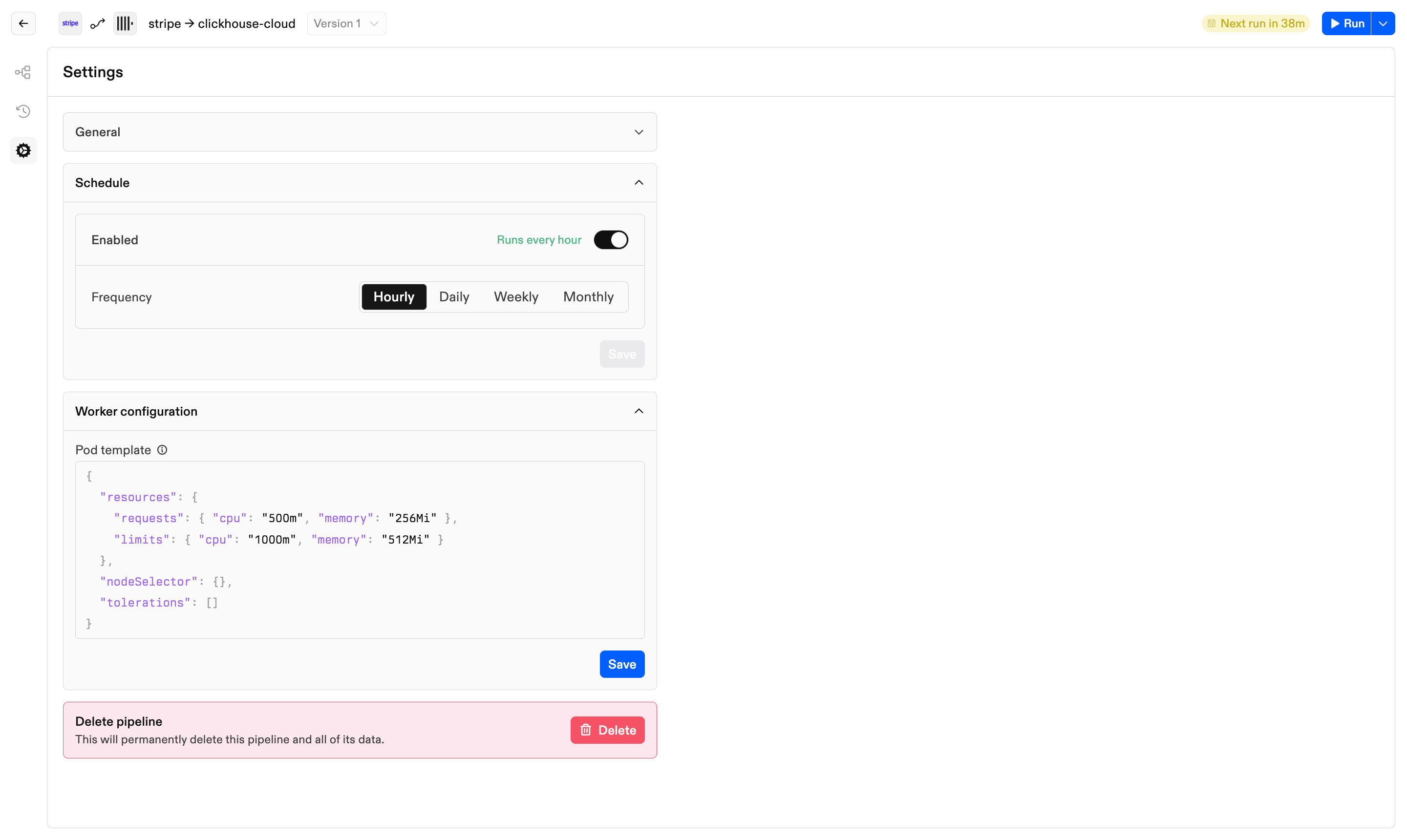
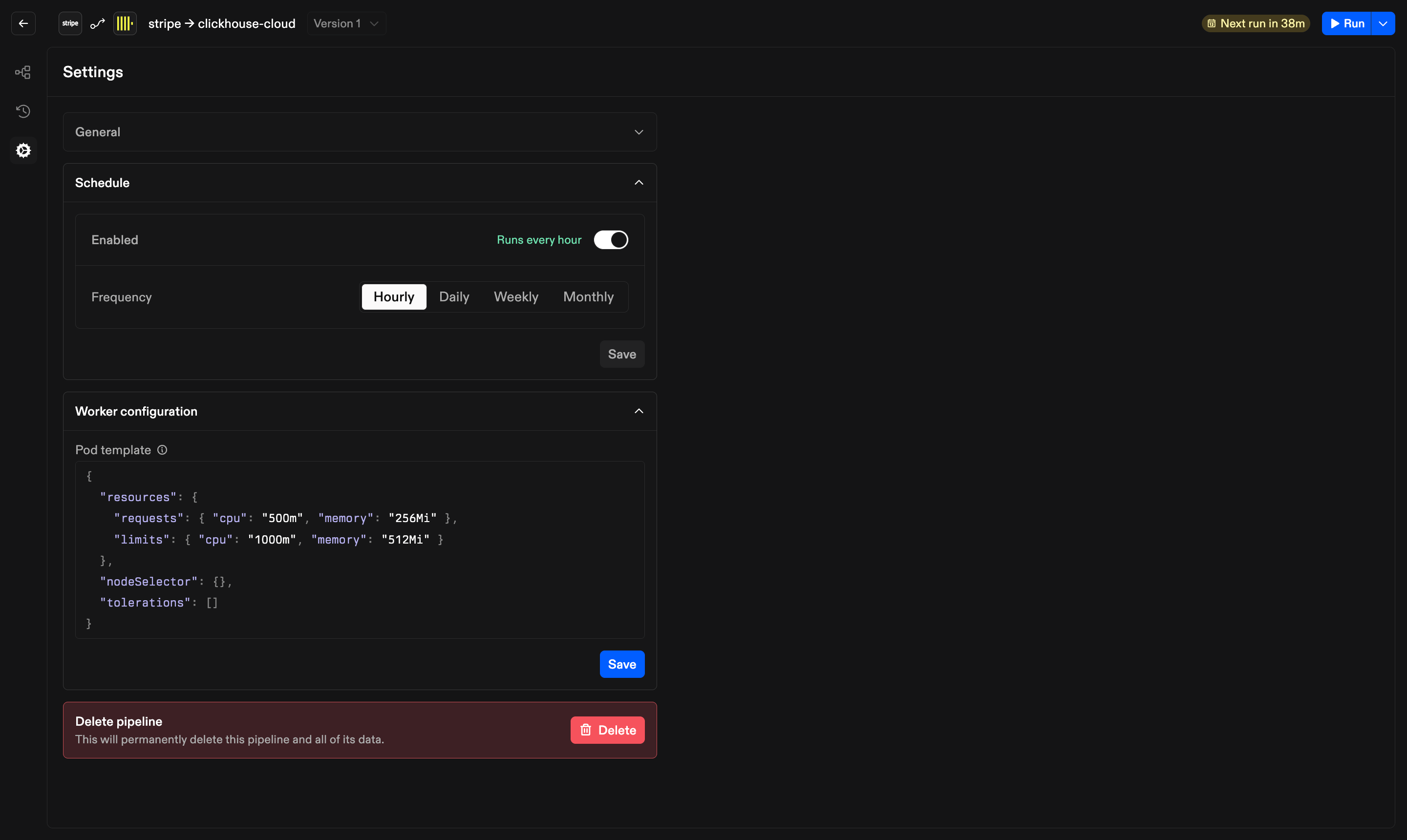
 ### Settings
Name and description, a cron schedule with a timezone and an overlap policy,
and the worker configuration that sizes the machines runs execute on.
Metadata edits apply in place and do not create a version.
### Settings
Name and description, a cron schedule with a timezone and an overlap policy,
and the worker configuration that sizes the machines runs execute on.
Metadata edits apply in place and do not create a version.
 ## Contributing to the web app
For contributors, the web app lives in `ui/` as a React 18 and TypeScript app
built with Vite:
* **Routing and data.** TanStack Router with file-based routes in
`src/routes/`, and TanStack Query for server state. API calls go through
ConnectRPC's web transport with `connect-query` bindings.
* **Generated types.** `src/gen/` holds the protobuf-generated TypeScript.
Never edit it by hand. `pnpm codegen` (or `just gen` at the repo root)
regenerates it with `buf` after a proto change.
* **Design system.** Components, tokens, and theming come from
[`@galaxy-io/dls`](https://www.npmjs.com/package/@galaxy-io/dls). The app
mounts its stylesheet and `GalaxyThemeProvider` in `main.tsx`. Browse the
catalog at [storybook.getgalaxy.io](https://storybook.getgalaxy.io) before
building anything new.
* **Styling and the canvas.** Component-local styles use Linaria. The canvas
is built on `@xyflow/react`. Icons are Phosphor, with project SVGs compiled
by `pnpm assets`.
* **Formatting.** Biome formats and lints the UI.
The server serves the compiled bundle only when built with the `embedui` tag,
which `just binaries` and the published images do. For development, `just ui`
runs Vite on `:5173` against a local API. See
[Local development](/pages/guides/contributing/local-development) for the
rest of the workflow.
## Contributing to the web app
For contributors, the web app lives in `ui/` as a React 18 and TypeScript app
built with Vite:
* **Routing and data.** TanStack Router with file-based routes in
`src/routes/`, and TanStack Query for server state. API calls go through
ConnectRPC's web transport with `connect-query` bindings.
* **Generated types.** `src/gen/` holds the protobuf-generated TypeScript.
Never edit it by hand. `pnpm codegen` (or `just gen` at the repo root)
regenerates it with `buf` after a proto change.
* **Design system.** Components, tokens, and theming come from
[`@galaxy-io/dls`](https://www.npmjs.com/package/@galaxy-io/dls). The app
mounts its stylesheet and `GalaxyThemeProvider` in `main.tsx`. Browse the
catalog at [storybook.getgalaxy.io](https://storybook.getgalaxy.io) before
building anything new.
* **Styling and the canvas.** Component-local styles use Linaria. The canvas
is built on `@xyflow/react`. Icons are Phosphor, with project SVGs compiled
by `pnpm assets`.
* **Formatting.** Biome formats and lints the UI.
The server serves the compiled bundle only when built with the `embedui` tag,
which `just binaries` and the published images do. For development, `just ui`
runs Vite on `:5173` against a local API. See
[Local development](/pages/guides/contributing/local-development) for the
rest of the workflow.